How to log in to the Glovo tools
There are three tools that Glovo partners should use. Let’s go over them one by one to understand their differences and how you can log into them.
- 1
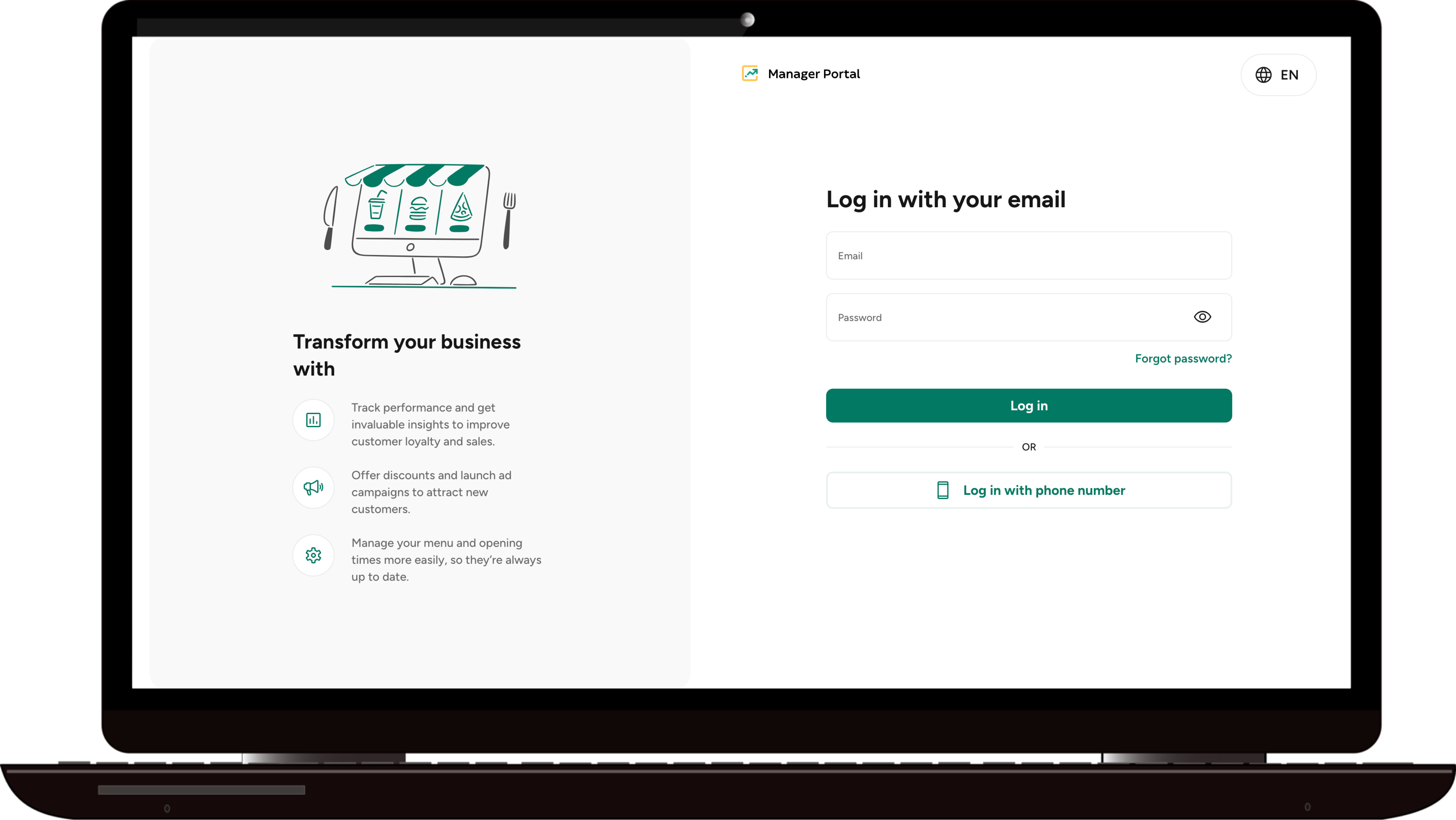
Manager Portal is a platform for the business owners that serves two main purposes:
To set up your store at the beginning of your journey with Glovo.
To manage your business performance and implement actions to make it grow.
After your store is created in our system, we will send you an email with your login email and a temporary password inviting you to access the Manager Portal.
- 2
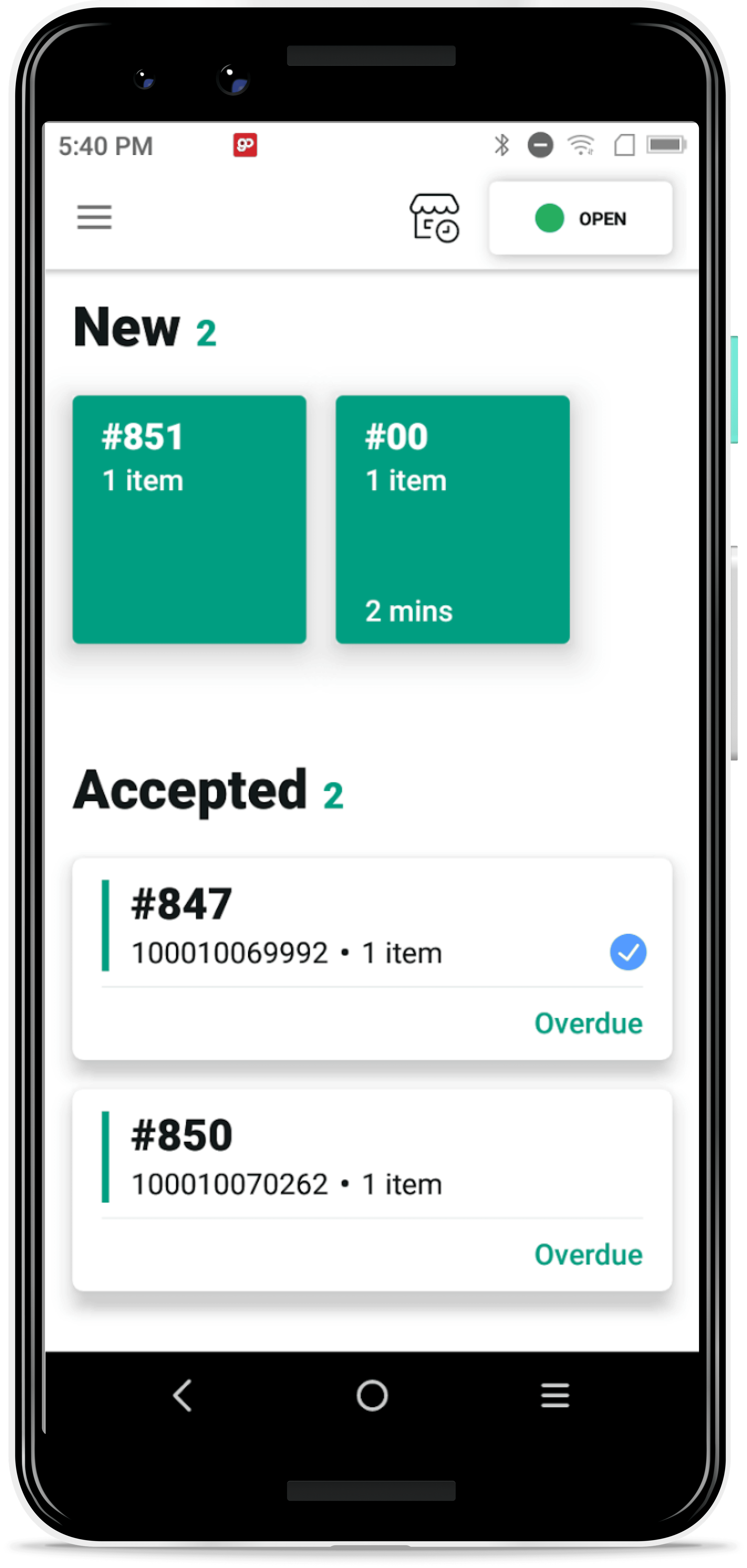
GoDroid is the Android application used by Glovo food partners to manage orders and their daily activities.
If you use Glovo’s Sunmi device, the GoDroid app will appear automatically. You need to click on the app, and you will be logged in.
If you use other Android devices, you will receive an email with your login email address and a temporary password. Download the app by following this link, set a new password, and log in to the app.
- 3
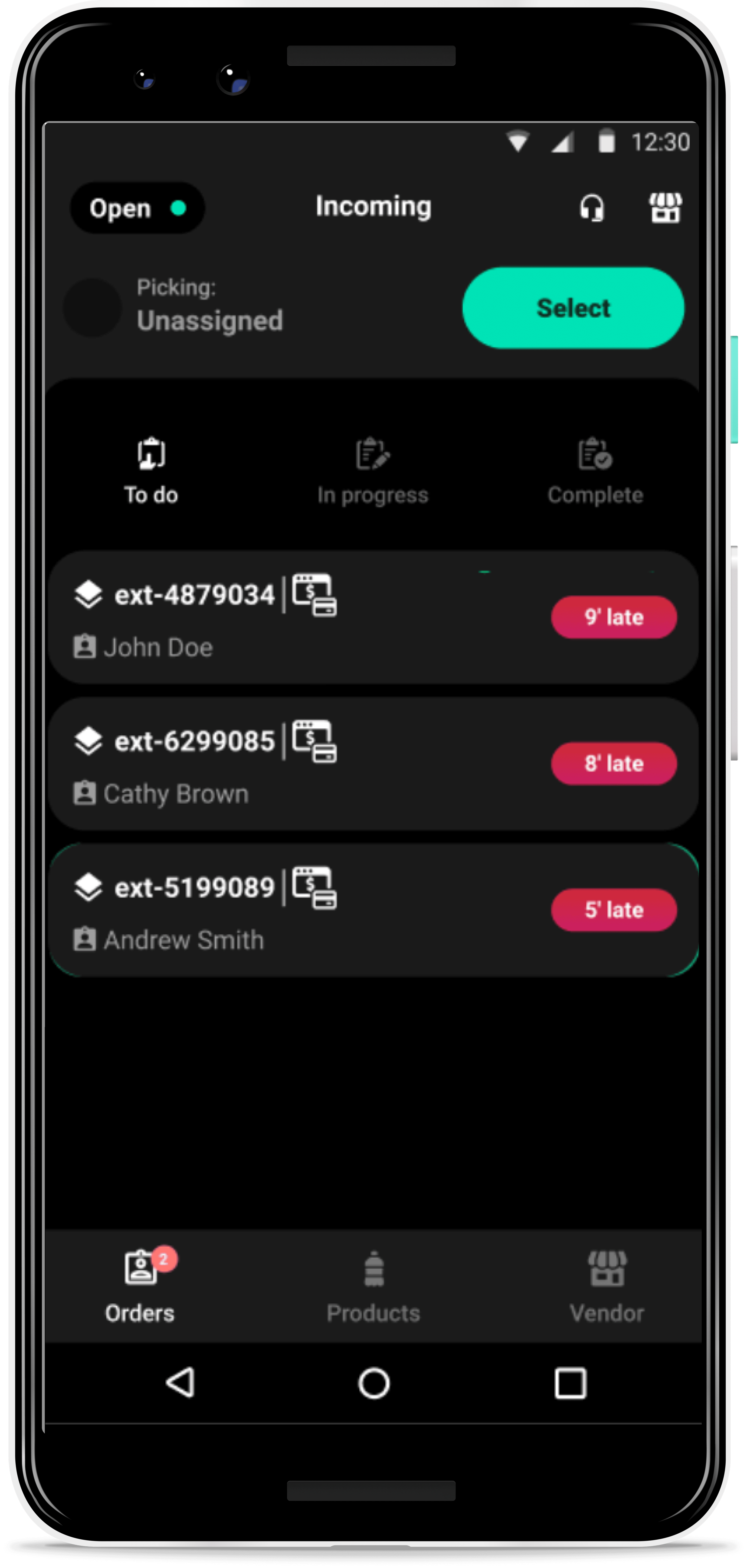
Pelican is also an Android application to manage orders and their daily activities. However, it is only available for Glovo’s groceries and retail partners.
During your registration process, you will receive an email with your login email address and a temporary password. The app will appear on your Sunmi device. However, if you use other Android devices, download the app using this link, set a new password, and log in to the app.
 UG
UG
 How-to guides for new Glovo partners