 KE
KE
Reach new customers with promotions and motivate existing ones to order and spend more.
With the built-in tool in the Manager Portal, you choose which type of promotion you’d like to apply in a couple of clicks.
Already a partner? Log in
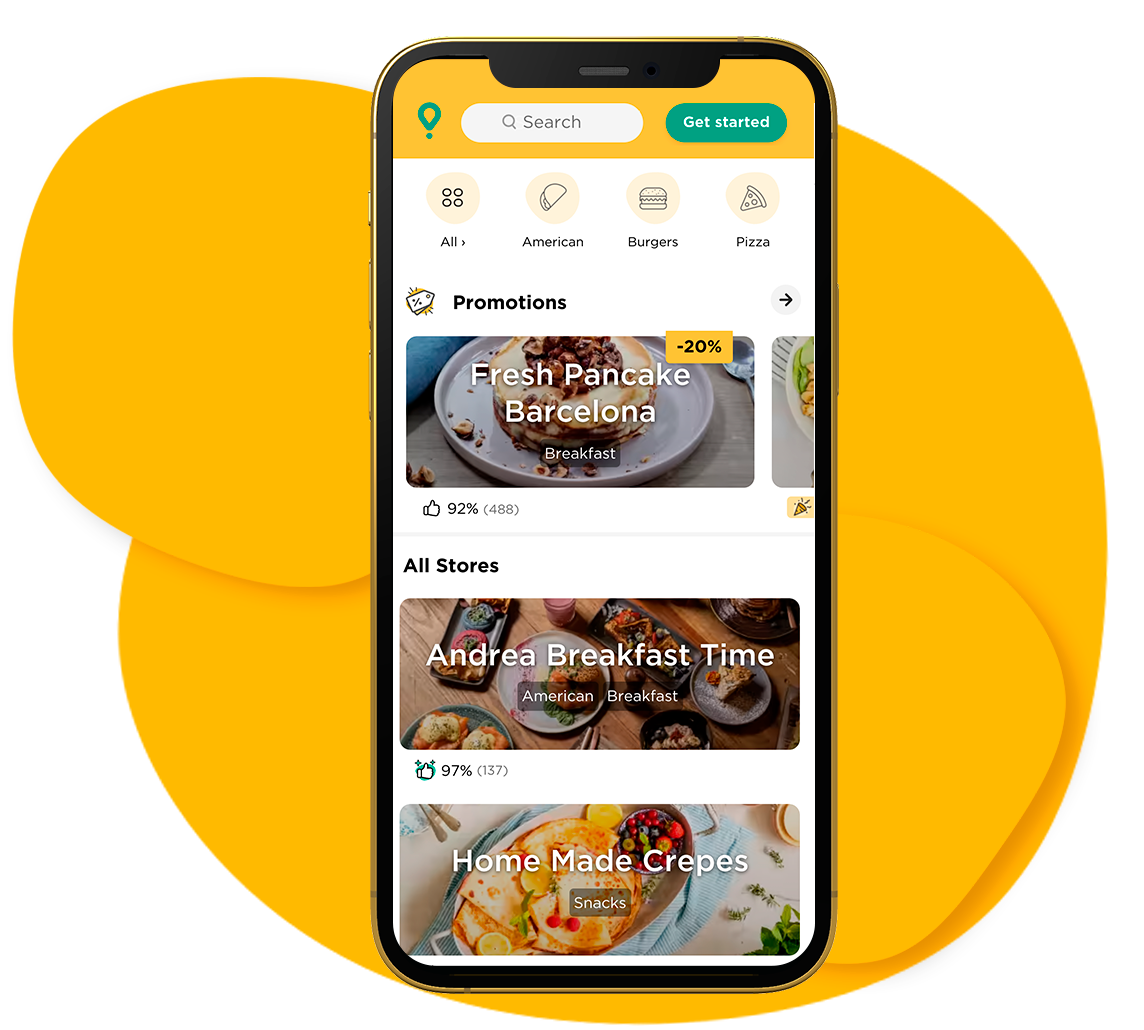
Attract more customers with increased visibility
When you make a promotion, your business is featured in the Glovo App.
You are now more visible within the app, making it easier for customers to spot you. Stand out among many other businesses!
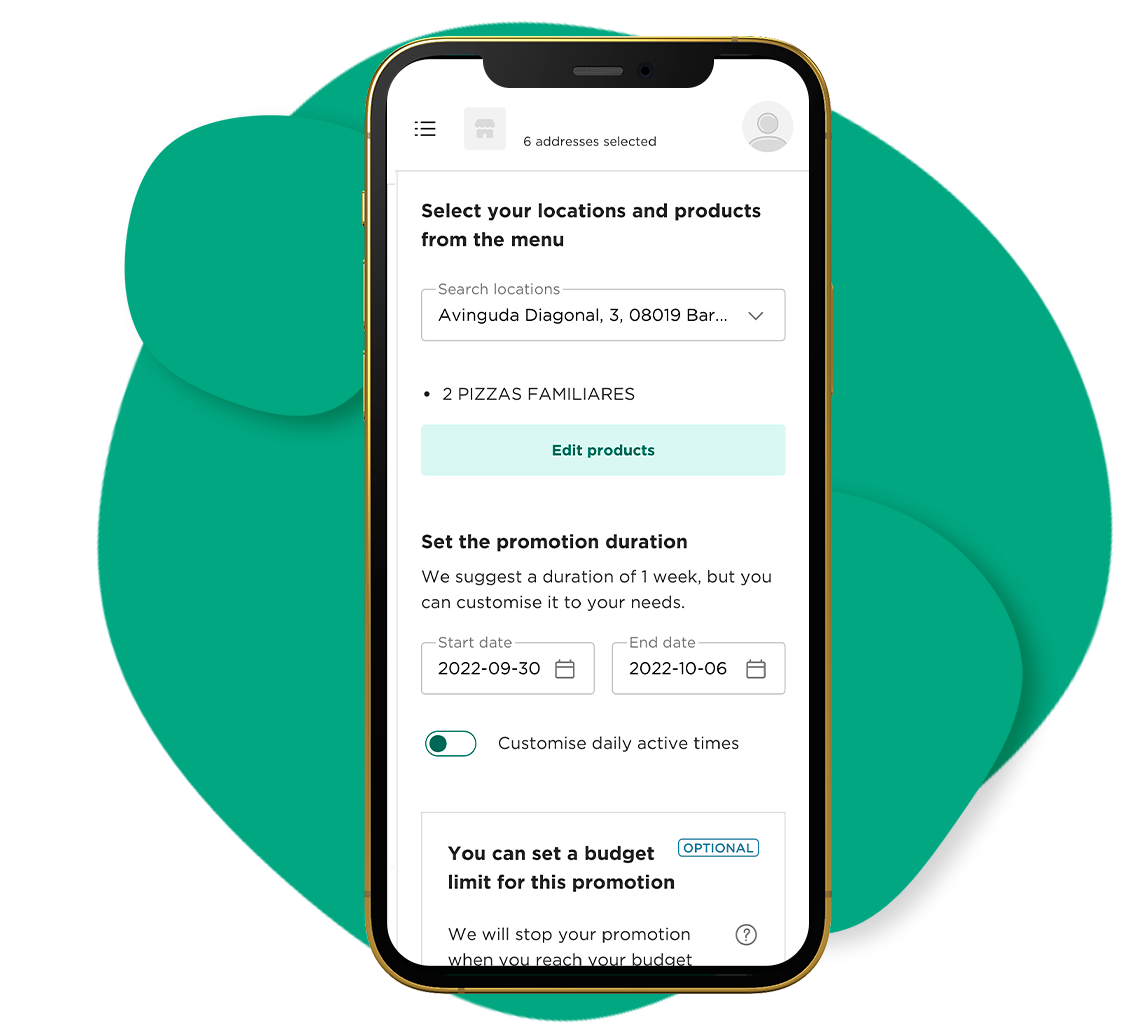
Enter your Manager Portal and choose which promotion type you want to apply, on which products and for how long.
You also decide when to start the promotions and when to stop them and how much budget you want to put in. It’s that easy!
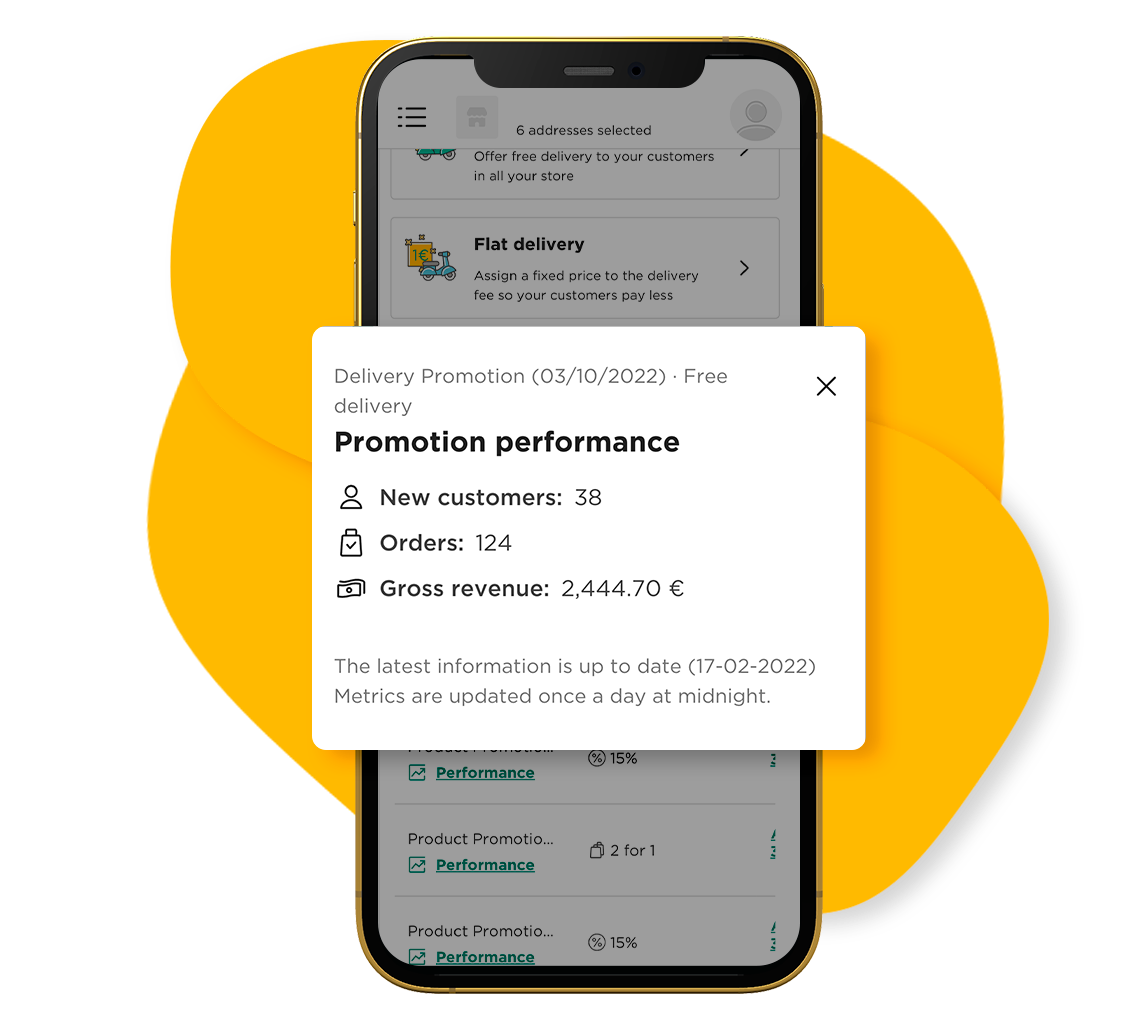
When customers get a good deal from your restaurant, they are less likely to look elsewhere.
For example, if you offer free delivery, customers will get used to getting a good deal through you, compared to other restaurants that charge for it.
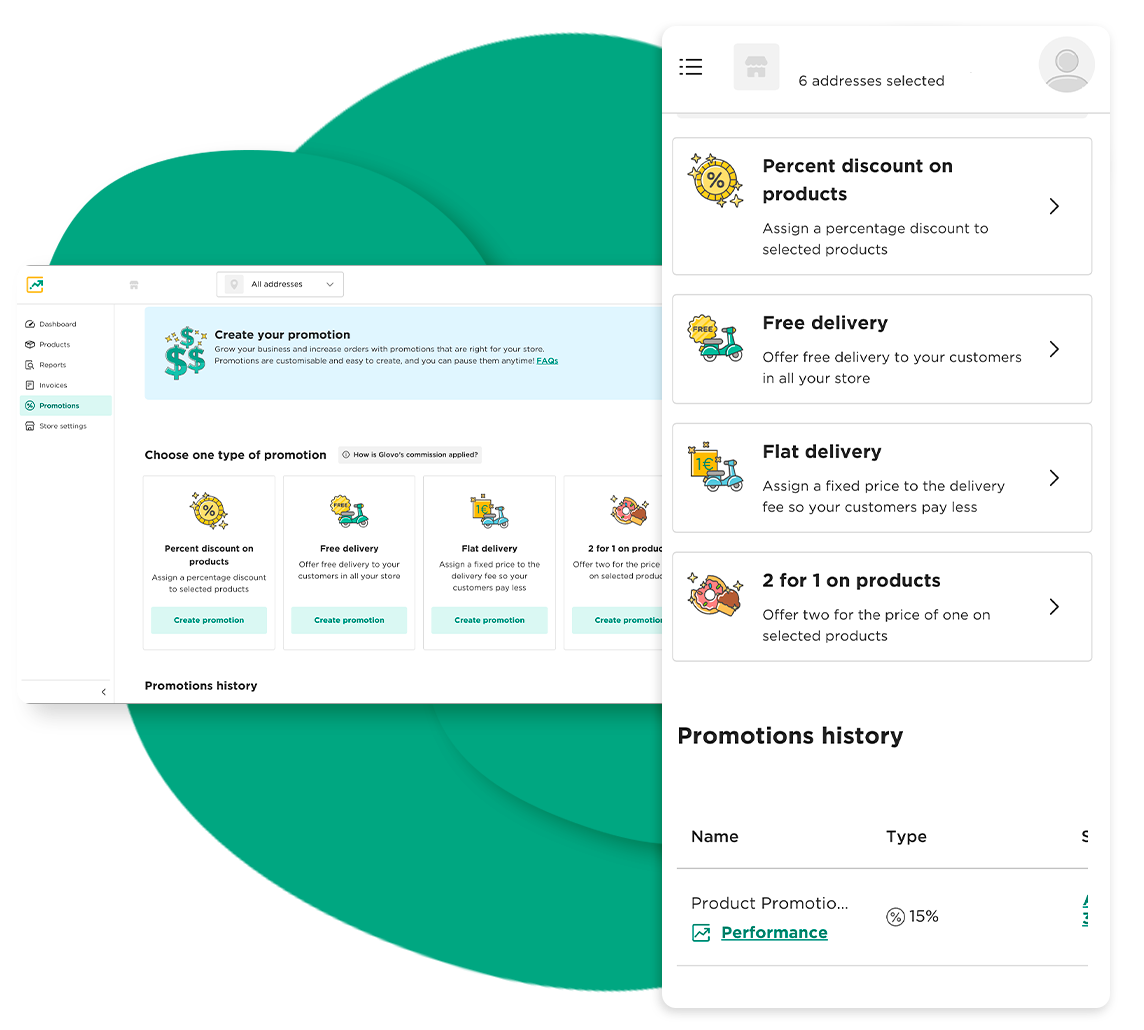
Promote your business and increase your orders
Assign a percentage discount to selected products

Offer free delivery to your customers in all your store
Assign a fixed price to the delivery fee so your customers pay less

Offer two for the price of one on selected products
Once you become a Glovo partner, log into the Manager Portal and go to the Promotions tab.
Choose the type of promotion you wan to create based on your goals.
Select the participating stores, set a duration, select your audience (new customers or all customers) and choose your budget.
Your target audience will see your promotion when they visit your store on the Glovo App, as well as in the Promotions section in the Glovo App where customers go to discover current promotions and discounts from nearby businesses.
You can end your promotion at any time through the Manager Portal. A few clicks and your promotion will be removed from the app. Please note that another way your promotions will end (automatically) is if you reach the maximum budget you set at launch.
Many types of promotions are available and can be found in the Manager Portal. You can choose the ones that best suit your business needs, such as a % discount on products, free or flat rate delivery, or 2x1 on products.