 KE
KE
Create, edit, and update your menu with the self-service menu management tool. It’s a fast and flexible tool built into our Manager Portal.
Don’t forget to add images and descriptions to your products to increase incoming orders!
Already a partner? Log in
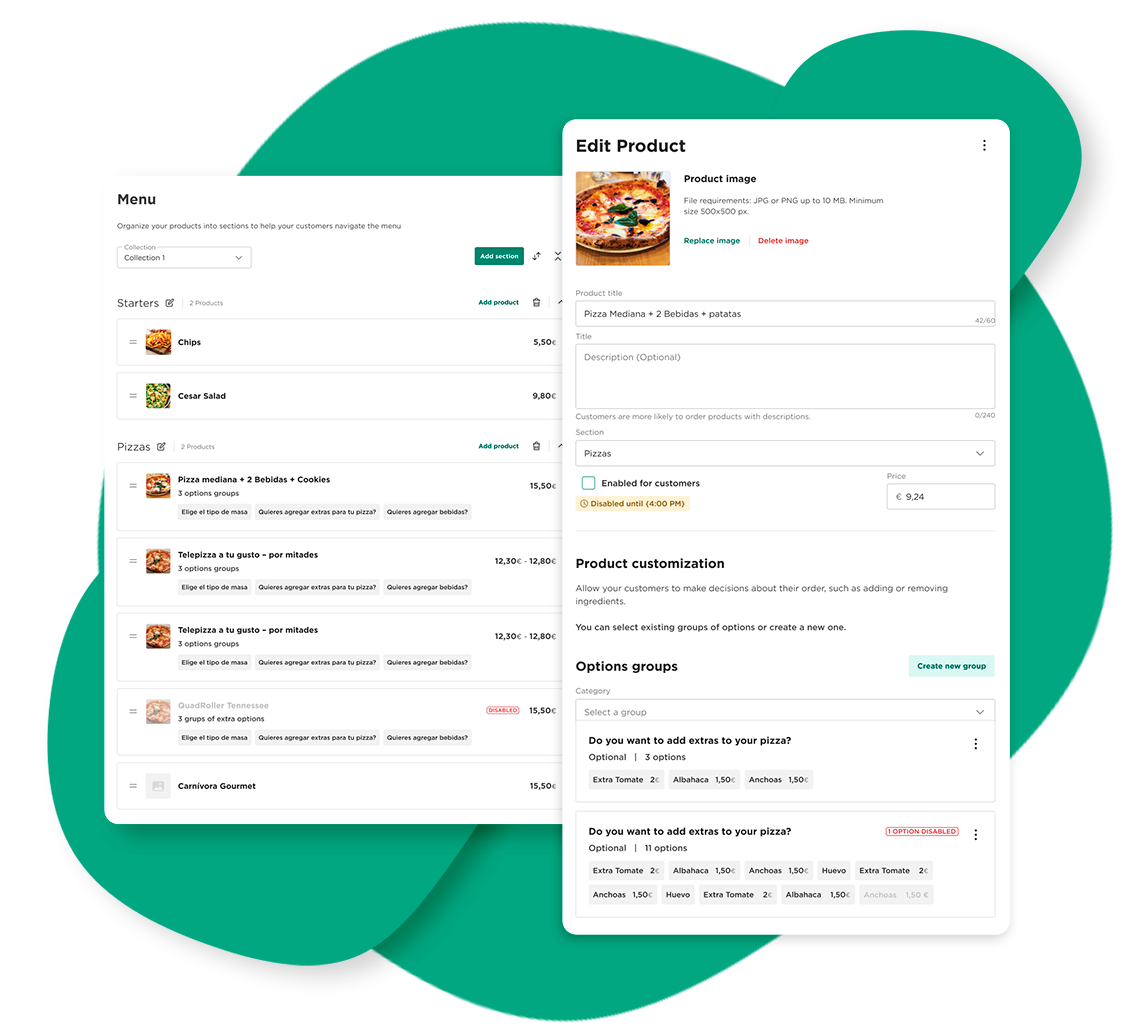
An easy way to boost revenues
Providing names, descriptions and photos is key to reach more customers and have more visibility in the search results in the Glovo app.
Partners that have added pictures have seen their orders increase by 30%.
Learn more about:
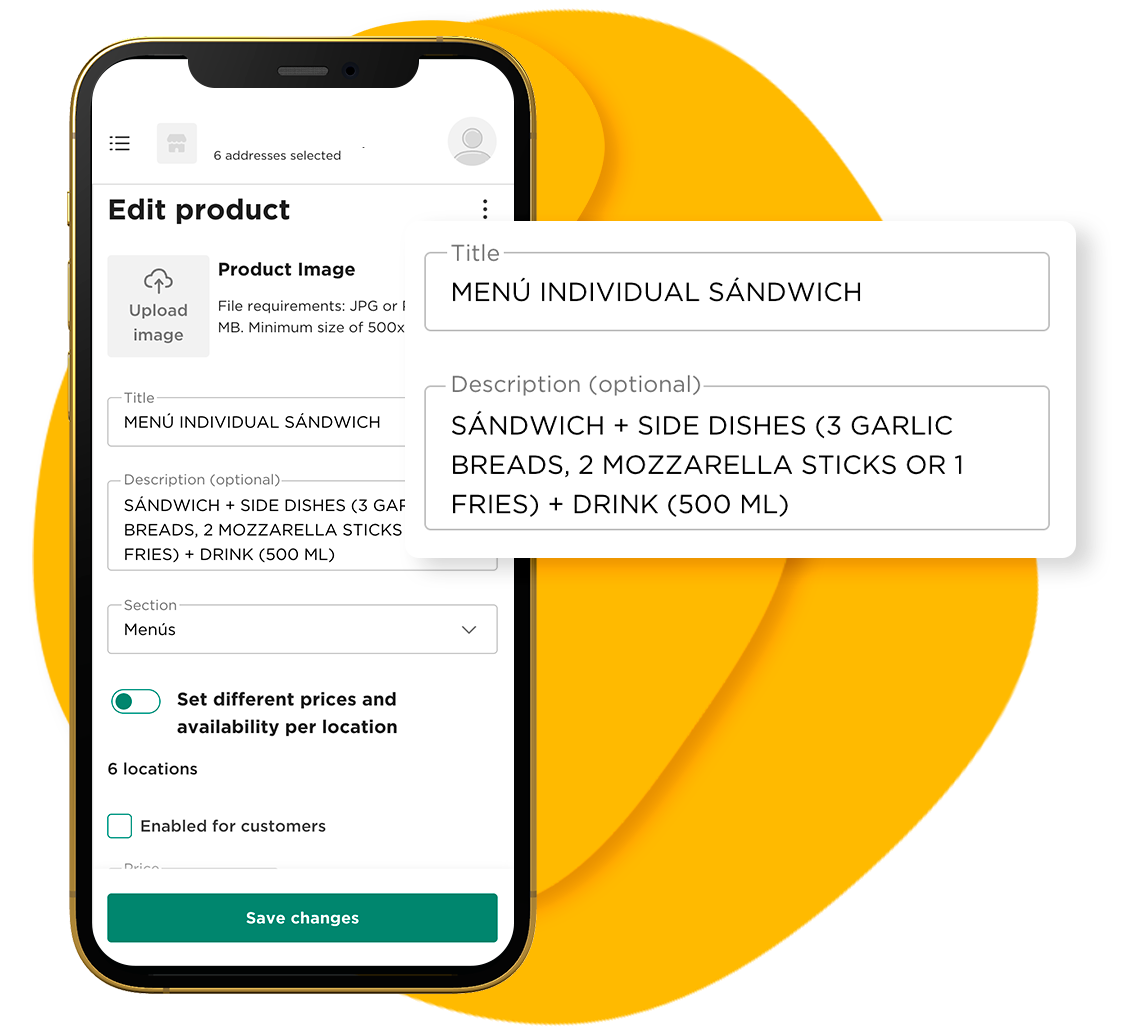
Make all the changes you want to your menu with a few clicks! If you need help, check our tutorials and tips to guide your menu improvement.
Enable product customisation to give customers more options and show what parts of the product they can change, add, and remove.
Learn more about:
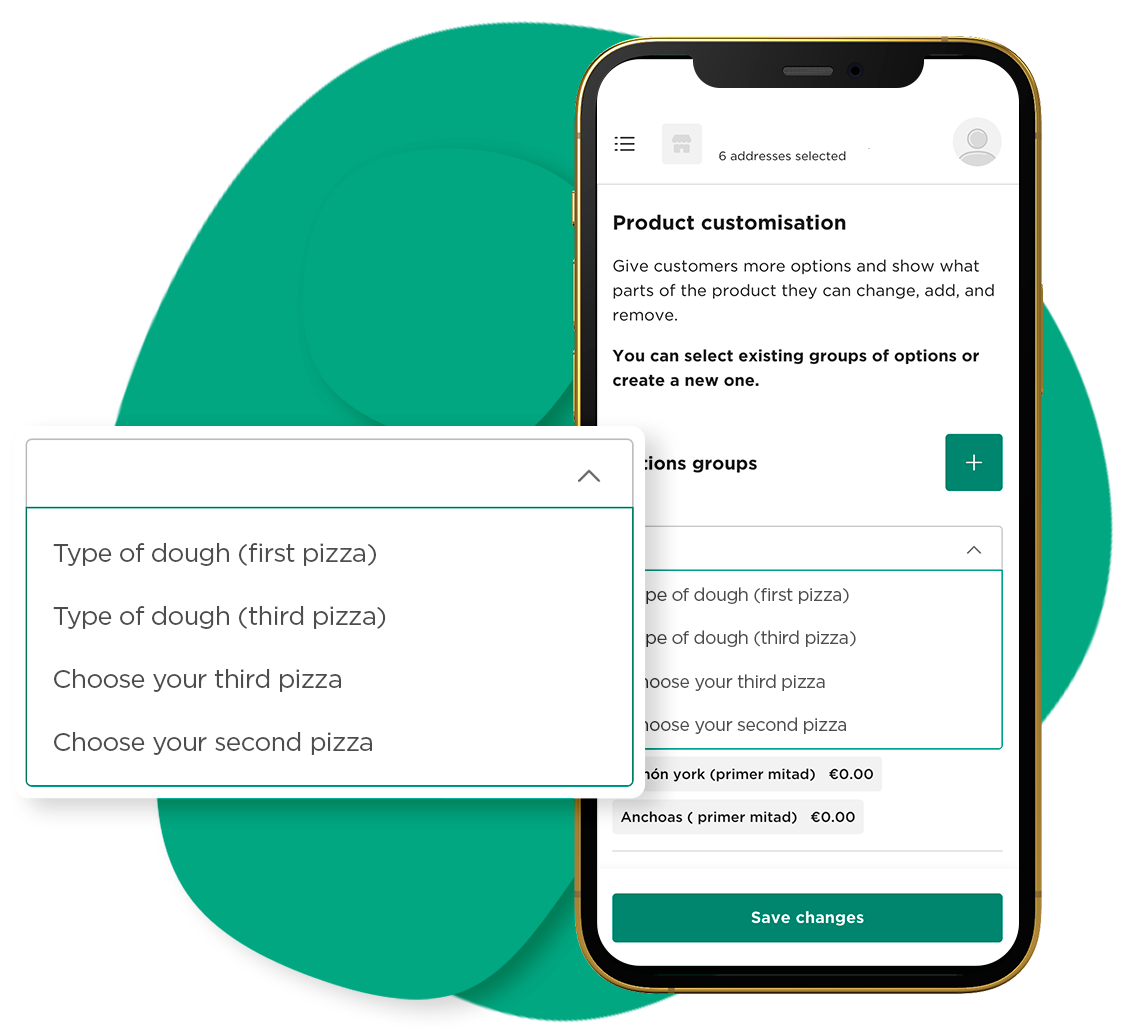
Visit the Tutorials & Tips section in the navigation menu to find all the guidelines to optimise your menu and make the most out of it!
You can use your own photography to later upload the images to your menu on the Manager Portal. For more information on how to take your own photos, visit the Tutorials & Tips section in the navigation menu.